
In the rapidly evolving world of AI-driven creativity, text-to-image models are revolutionizing how we craft visuals for everything from marketing to personal art. Today, we’re pitting two standout contenders: Nano Banana Pro (Gemini Image 3), Google’s flagship powerhouse, against Z Image Turbo, Alibaba’s lightweight efficiency champ. Both excel at turning prompts into stunning visuals, but they cater to different needs: premium polish versus budget-friendly speed. I’ll break down each, then dive into a head-to-head comparison based on side-by-side generations from identical prompts.
Spoiler: the results are neck-and-neck, making your choice hinge on cost and scale.
About Nano Banana Pro (Gemini Image 3)
Nano Banana Pro, powered by Google’s Gemini Image 3, is the cutting-edge flagship for image generation within the Gemini app, available to Google AI Plus, Pro, and Ultra subscribers. Leveraging the “Thinking” model, it delivers advanced, precise outputs with professional-grade control, building on Nano Banana’s foundations in character consistency and photo blending.
Key strengths include exceptional text rendering in multiple languages for logos and posters, fine-tuned editing for lighting, angles, focus, and aspect ratios, and native 2K resolution for crisp, high-fidelity results. It shines in enhanced world knowledge for accurate infographics and diagrams, plus seamless blending of multiple photos. Ideal for creators needing polished, detailed visuals, Nano Banana Pro handles complex scenes with nuanced aesthetics, from lifelike portraits to intricate compositions.
However, its premium access reflects in pricing: $0.13–$0.15 per standard 1K/2K image, scaling to $0.24 for 4K outputs.
About Z Image Turbo
Z Image Turbo, Alibaba’s Tongyi’s latest 6B-parameter lightweight text-to-image model, coming soon on Montr AI. Optimized with a Single-Stream Diffusion Transformer architecture, it punches above its weight, matching leading commercial models in photorealism and bilingual text rendering: without the massive parameter bloat.
This distilled dynamo generates top-tier images in just 8 steps, excelling in photography-level realism with precise control over lighting, textures, and moods. It robustly handles English and Chinese text in challenging layouts, from small fonts to artistic posters, blending typography with compositional flair. State-of-the-art on Alibaba AI Arena’s Elo benchmarks, it’s perfect for creative tools, marketing, and visual apps.
At a mere $0.005 per image, Z Image Turbo democratizes high-quality generation, proving efficiency trumps size for speed and precision.
Head-to-Head Comparison: Prompt Tests and Insights
To cut through the specs, I tested both models with three diverse prompts, generating images side-by-side. The goal? Uncover nuances in quality, adherence, and vibe where outputs were strikingly similar overall.
Prompts list:
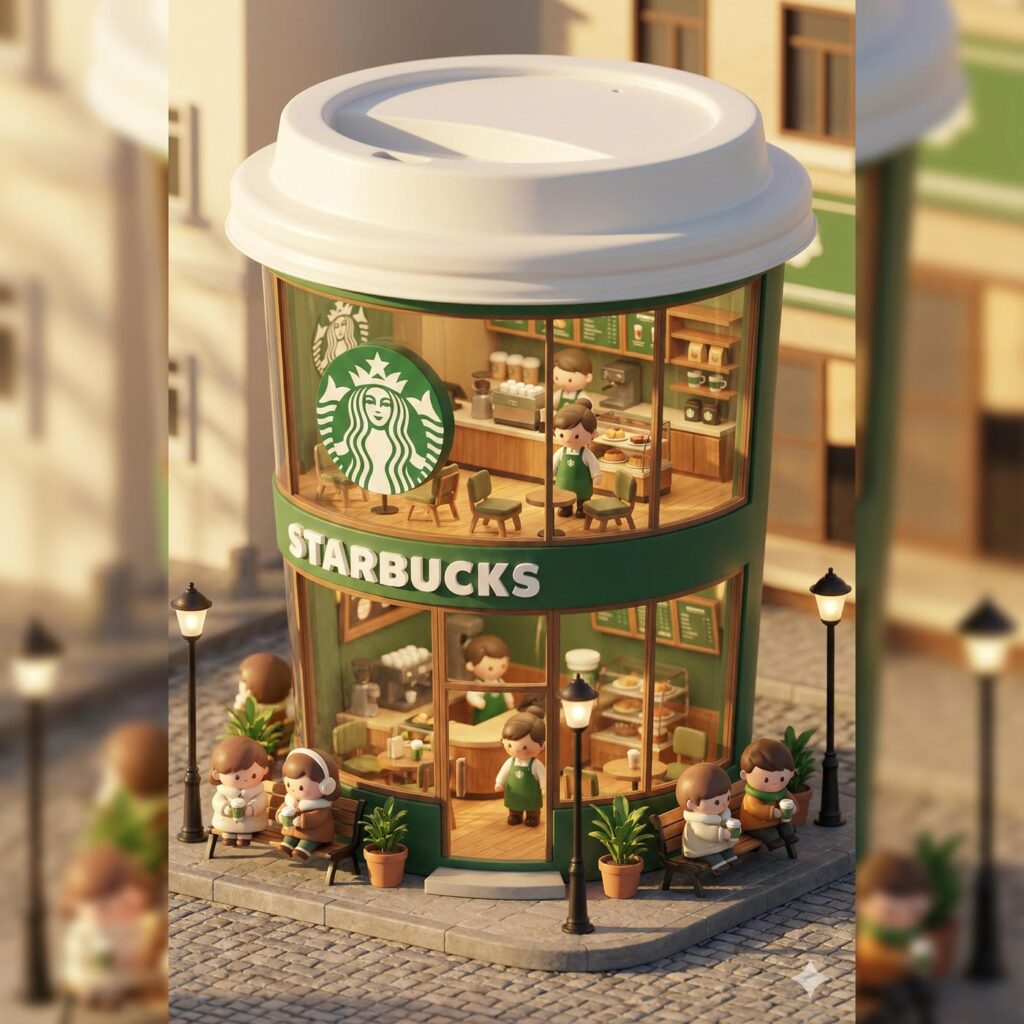
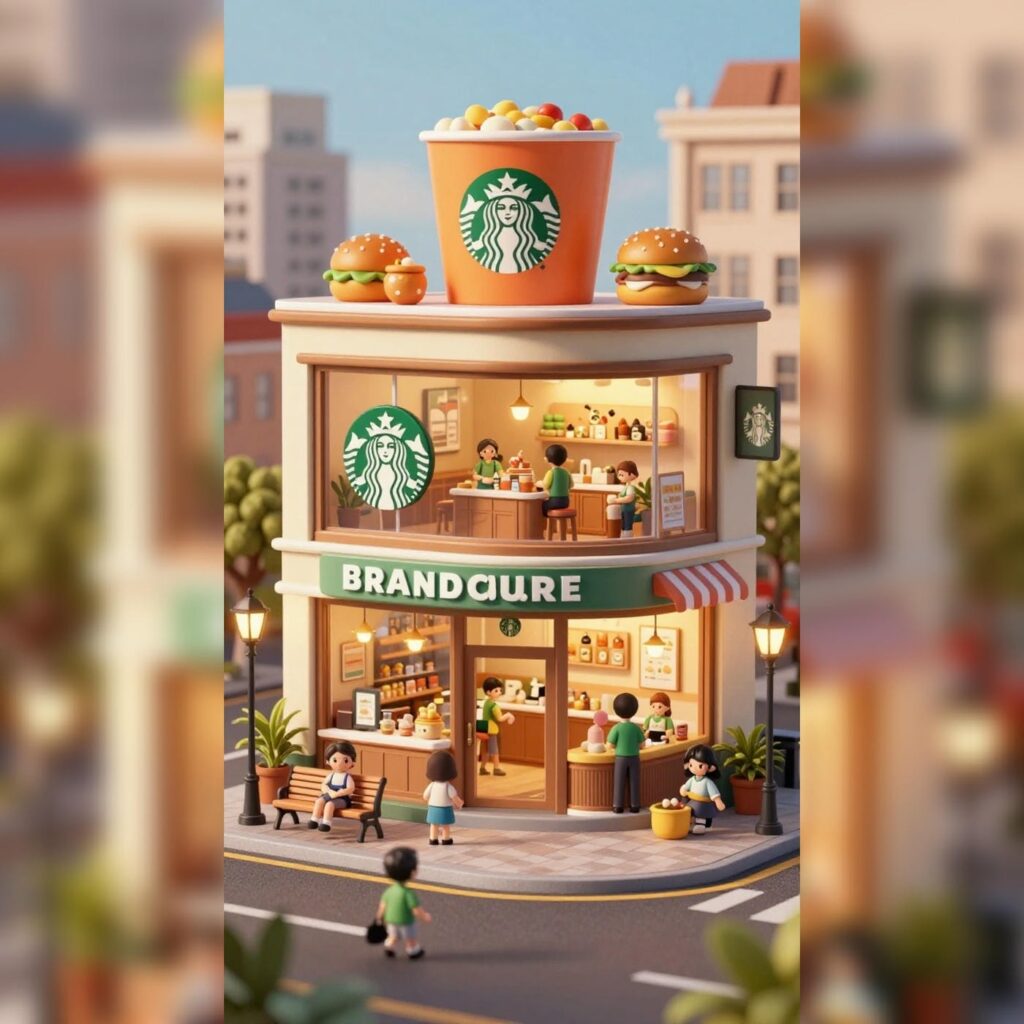
Prompt 1: “3D chibi-style miniature concept store of {Brand Name}, creatively designed with an exterior inspired by the brand’s most iconic product or packaging (such as a giant {brand’s core product, e.g., chicken bucket/hamburger/donut/roast duck}). The store features two floors with large glass windows clearly showcasing the cozy and finely decorated interior: {brand’s primary color}-themed decor, warm lighting, and busy staff dressed in outfits matching the brand. Adorable tiny figures stroll or sit along the street, surrounded by benches, street lamps, and potted plants, creating a charming urban scene. Rendered in a miniature cityscape style using Cinema 4D, with a blind-box toy aesthetic, rich in details and realism, and bathed in soft lighting that evokes a relaxing afternoon atmosphere. Brand name: Starbucks”
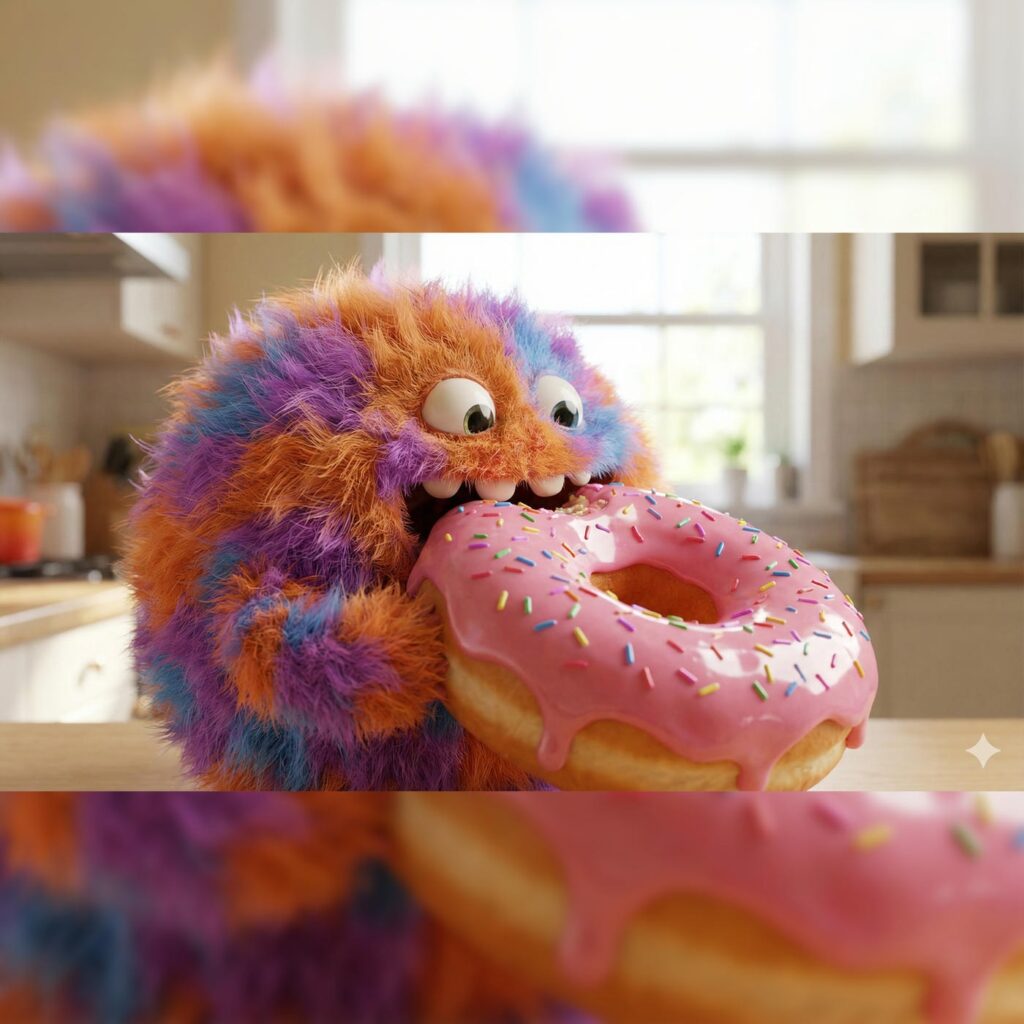
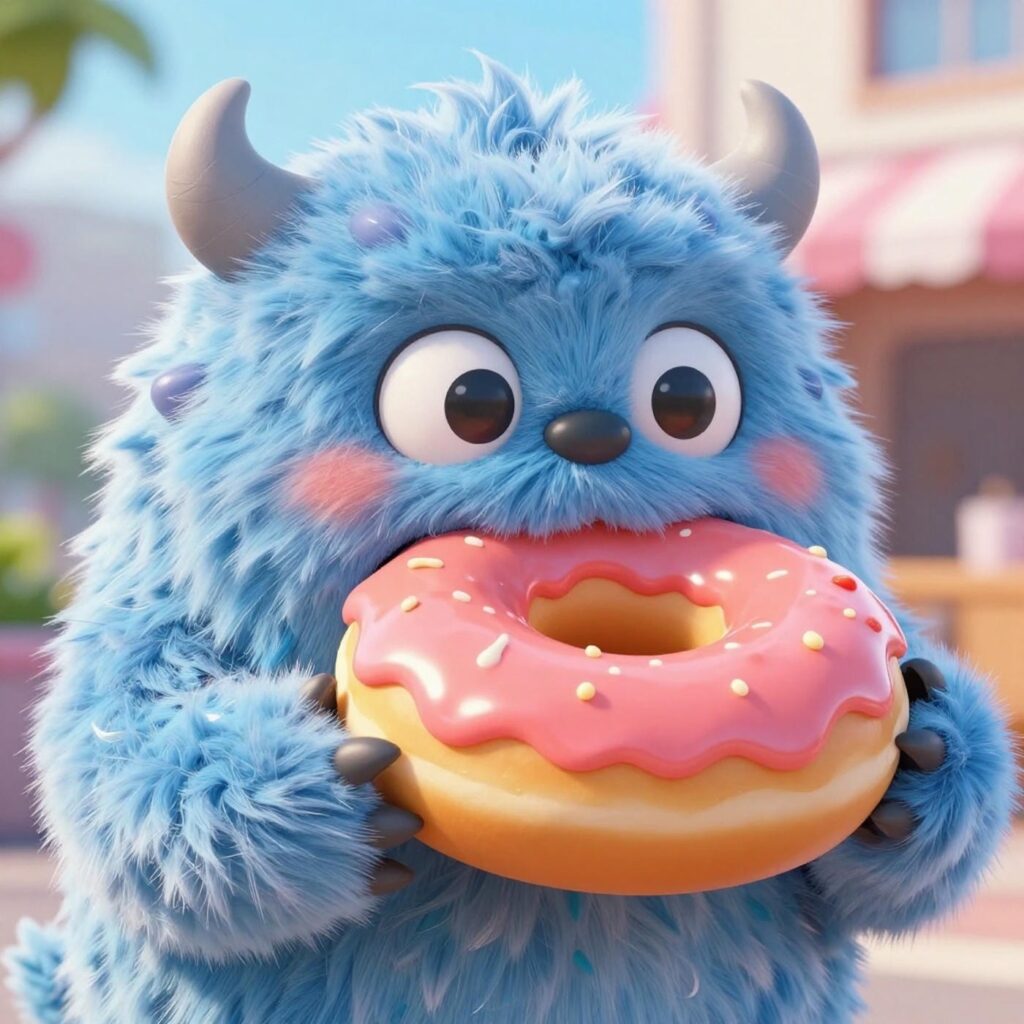
Prompt 2: “A high-quality 3D render of a cute fluffy monster eating a giant donut; the fur simulation is incredibly detailed, the donut glaze is sticky and reflective, bright daylight lighting, shallow depth of field.”
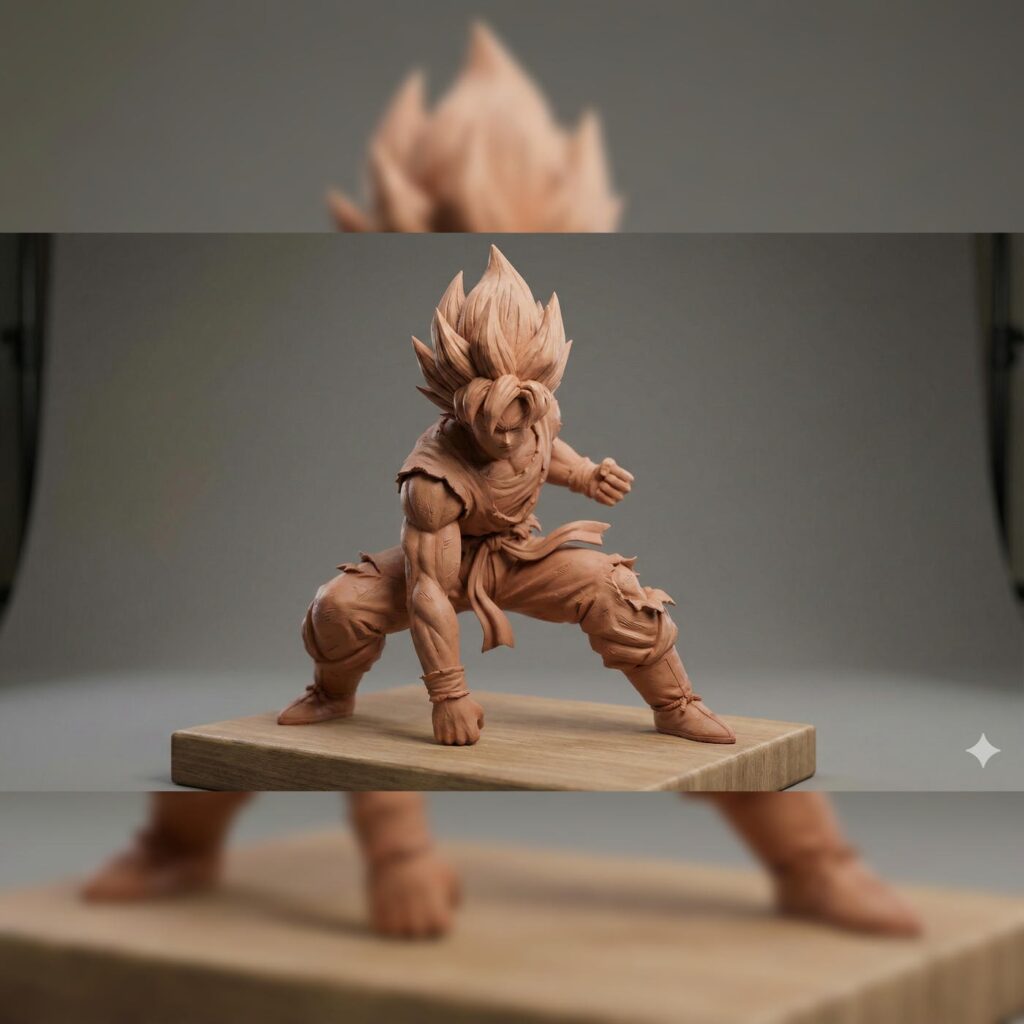
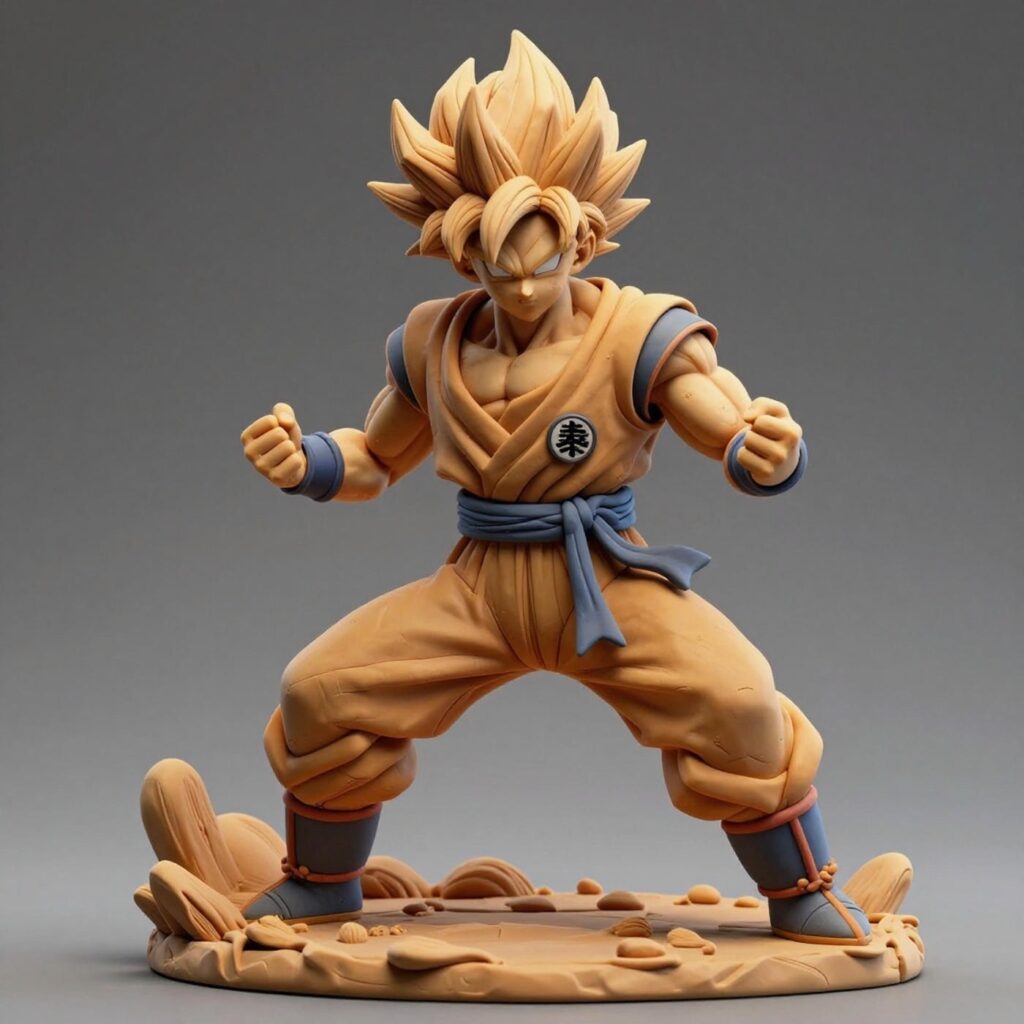
Prompt 3: 3d sculpted clay model of Goku super saiyan, fight ready posture, dynamic composition, detailed, intricate details, studio lighting.
Prompt 4: “Design a cozy mountain cabin exterior during a snowstorm, featuring warm orange light pouring from frosted windows, smoke rising from a stone chimney, icicles hanging from wooden eaves, and a vintage red truck parked nearby covered in fresh snow”


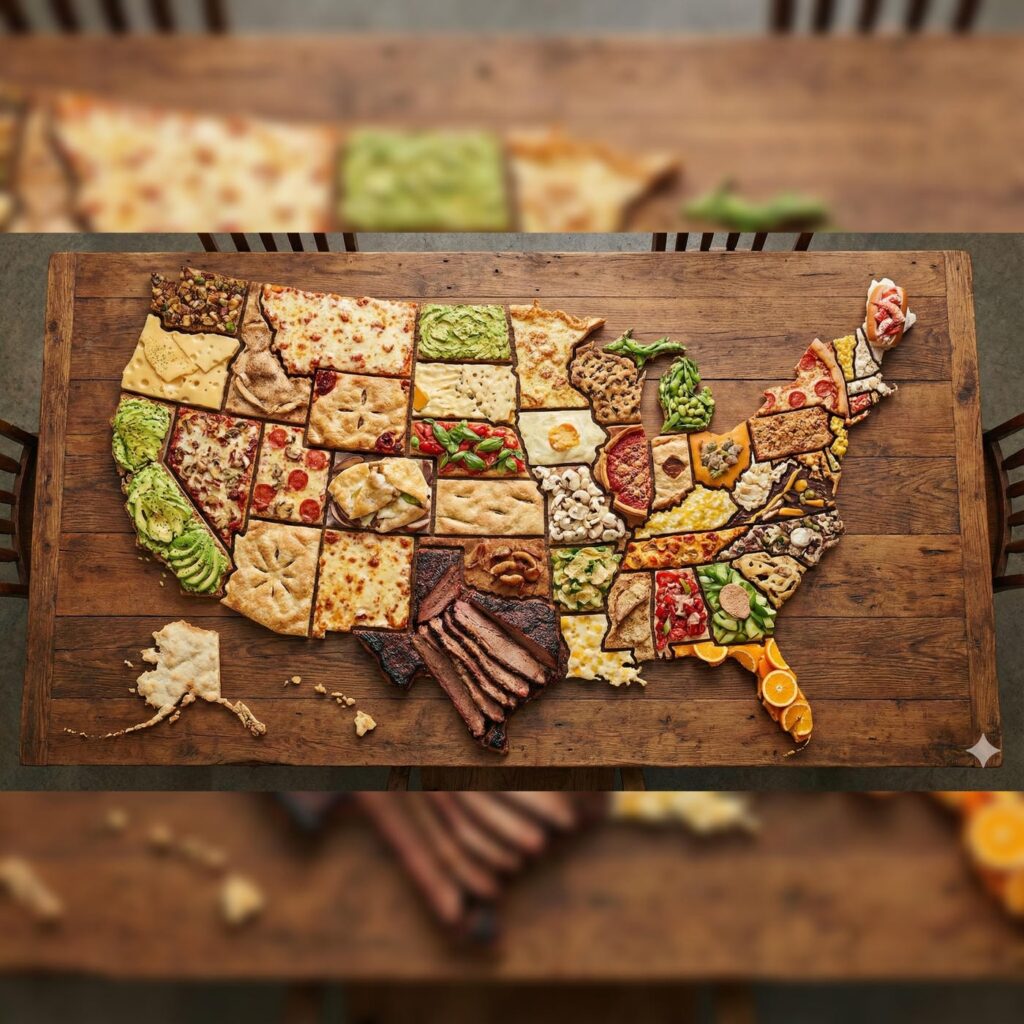
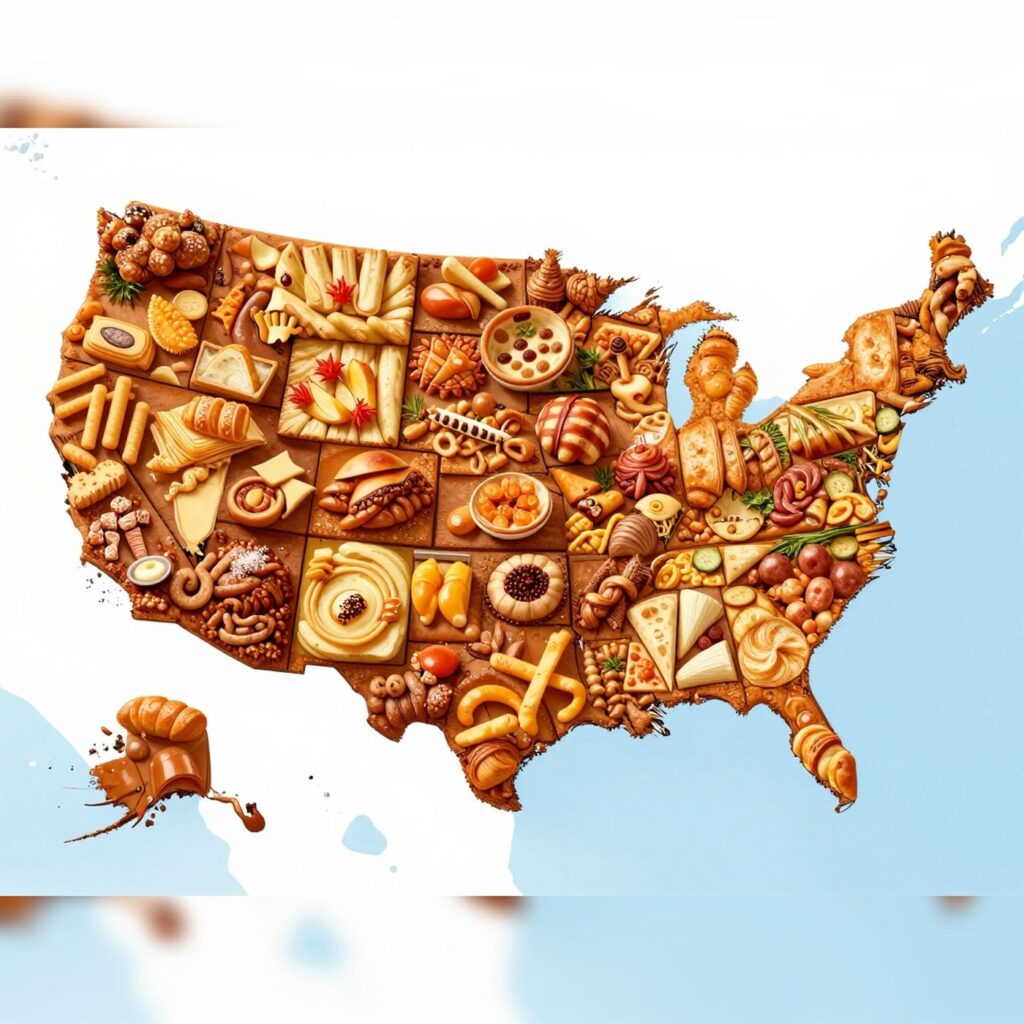
Prompt 5: “Create a map of the US where every state is made out of its most famous food (the states should actually look like they are made of the food, not a picture of the food). Check carefully to make sure each state is right.”
Conclusion
In conclusion, these tests reveal near-identical visual quality, photorealistic details, mood accuracy, and prompt adherence are on par, with Nano Banana Pro slightly leading in intricate lighting and editing finesse, while Z Image Turbo impresses with bilingual potential (untested here) and raw speed. The real differentiator? Economics. Nano’s $0.13+ per image suits pros chasing perfection in low volumes, but Z Turbo’s $0.005 slashes costs for high-volume workflows, like app integrations or bulk marketing. For most users, Z Turbo offers flagship performance at indie prices, democratizing AI art without compromise. If budget isn’t king, Nano’s ecosystem integrations tip the scale. Ultimately, both elevate creativity, pick based on your wallet and workflow.